Any web page into a clean AI prompt, in one click.
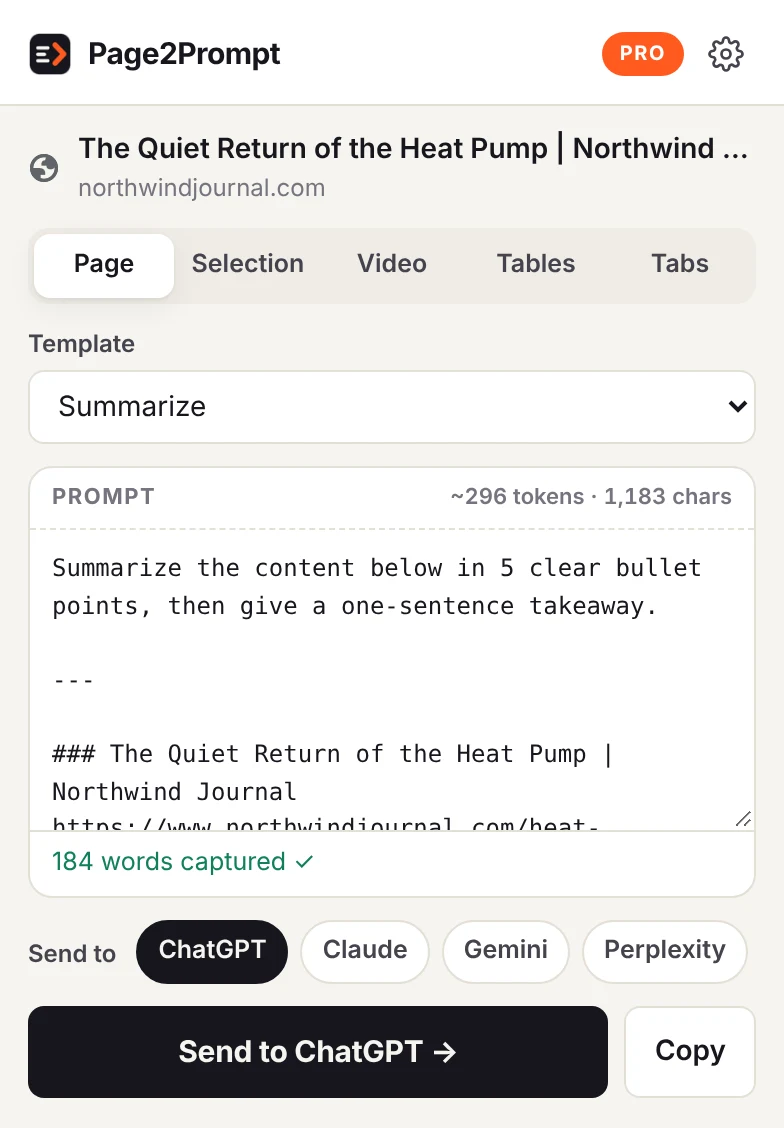
Page2Prompt strips out the menus, ads and cookie banners, wraps the content in a ready-made prompt, and opens your AI with it already pasted.
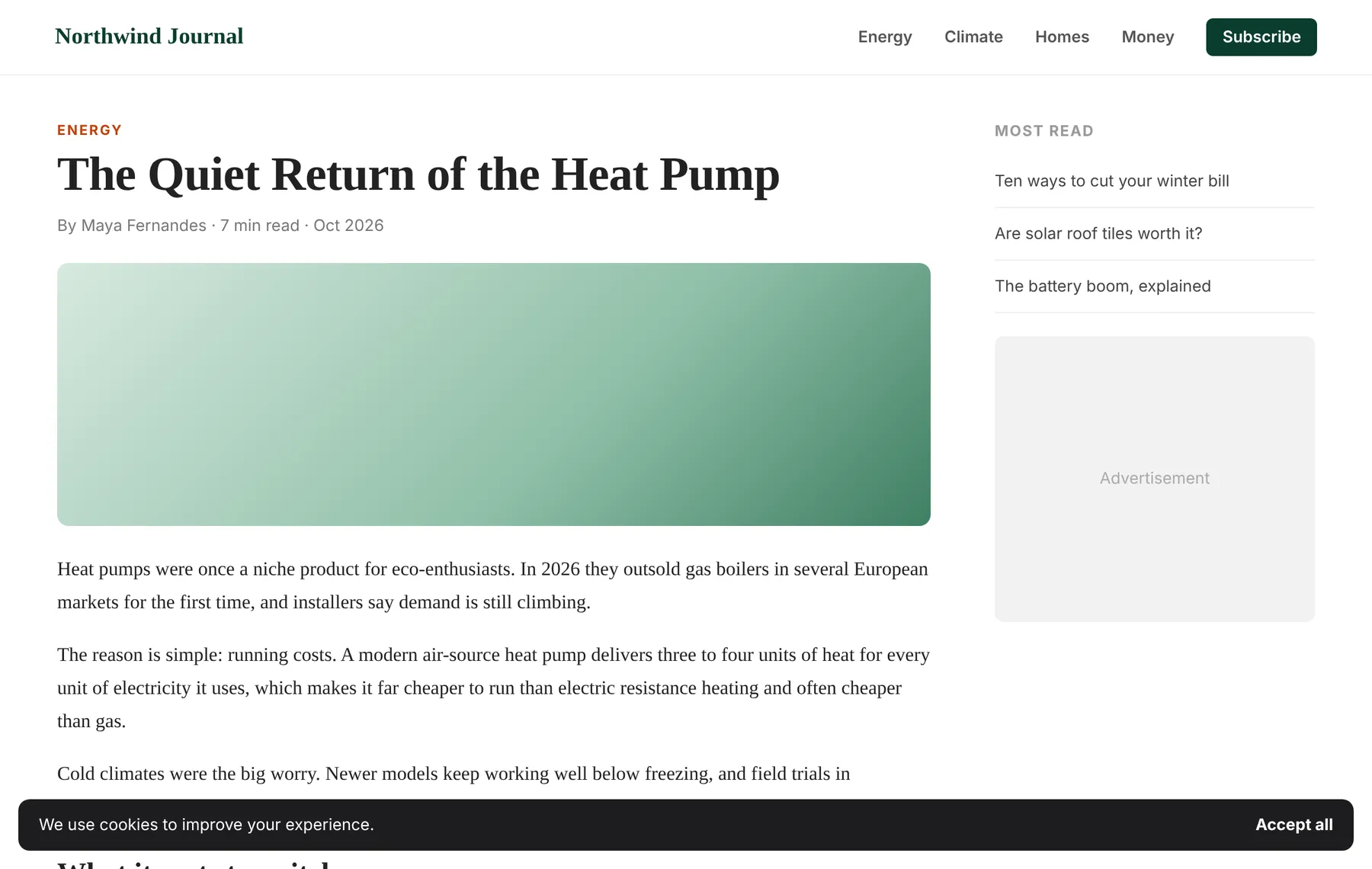
Copy-pasting the web into AI is messy.
Paste a page and you also paste its navigation, cookie notice, ads and footer. It wastes tokens and muddles the answer. Page2Prompt sends only what matters.
Copy & paste What your AI gets today
Page2Prompt What it gets with one click
Three clicks. Zero tidying up.
Open any page
An article, documentation, a long email thread, a product page or a YouTube video.
Click the icon
Or press Alt+Shift+P. Pick a template like Summarize, Explain simply or Draft a reply.
Hit Send
ChatGPT, Claude, Gemini or Perplexity opens with your prompt already pasted. Review it and press Enter.
Built for people who use AI every day.
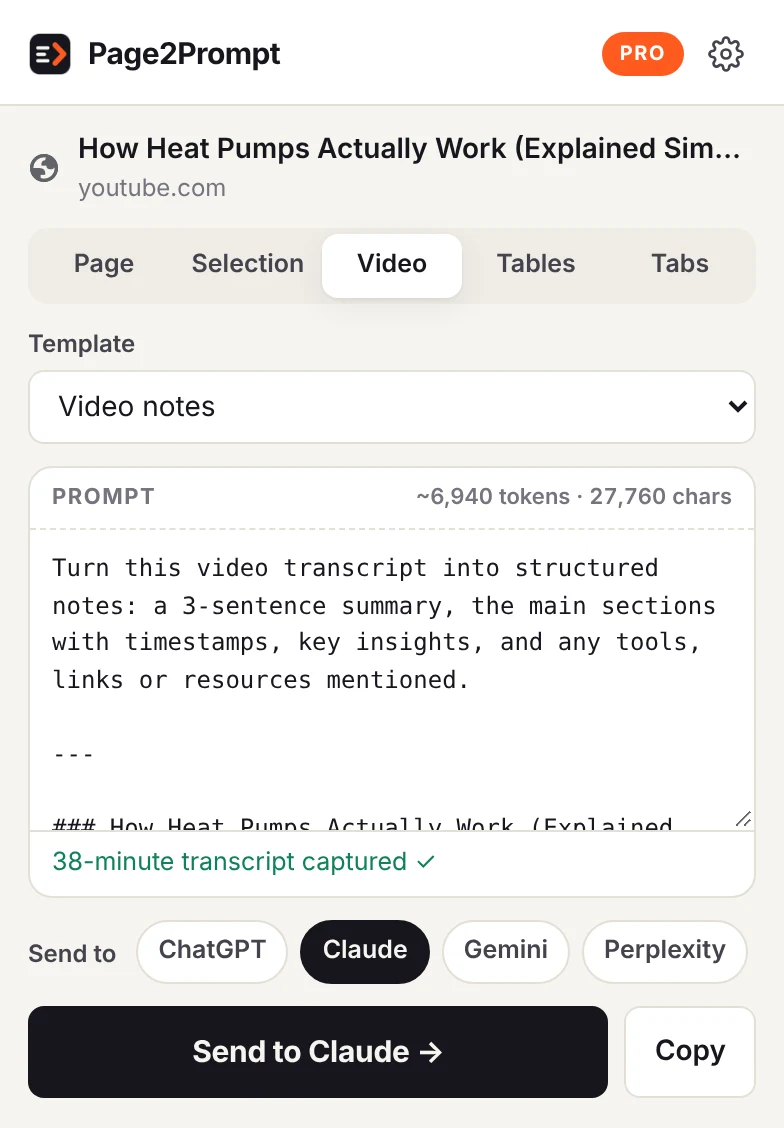
Turn any YouTube video into notes
Page2Prompt grabs the full transcript with timestamps. The Video notes template turns a 40-minute video into a summary, sections and key insights.
- Timestamps kept for every section
- Works on videos with captions
- Send to Claude for long transcripts
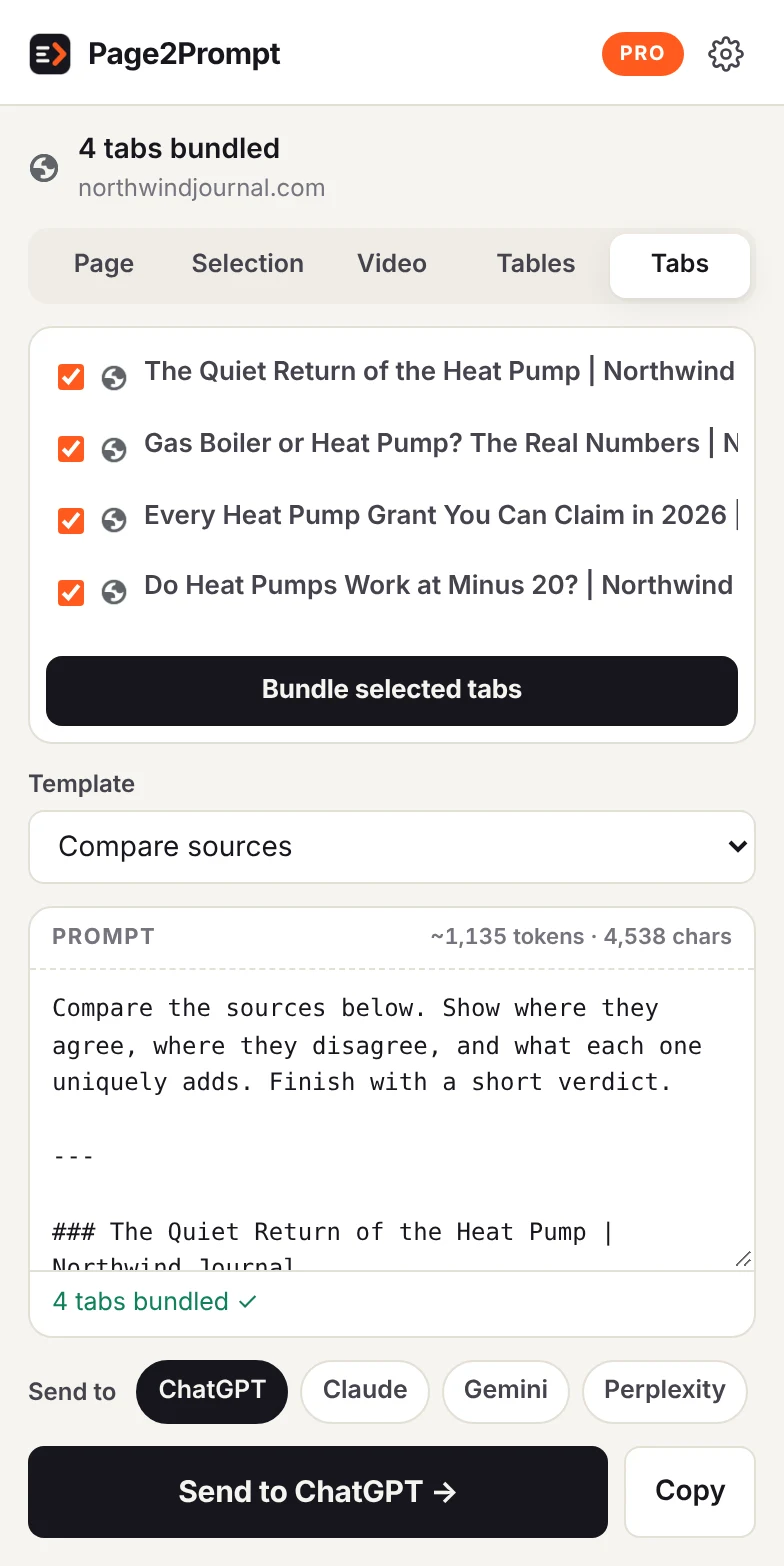
Research across 10 tabs at once
Bundle the tabs you have open into one prompt, each labelled with its title and link, then ask where the sources agree and disagree.
- Pick tabs with a click
- Built-in "Compare sources" template
- Perfect for buying decisions and literature reviews
Clean Markdown
Headings, lists, links, code blocks and tables are kept. Everything else is stripped.
Just the selection
Highlight a paragraph and only that part is sent. Great for emails and long threads.
Tables to Markdown PRO
Every data table on a page, ready for the AI to analyse, compare or chart.
Custom templates PRO
Save the prompts you use every day: LinkedIn posts, client summaries, SEO briefs.
Prompt history PRO
Find, copy or resend any of your last 50 prompts, stored only on your computer.
Shortcuts & right-click
Send the current page with Alt+Shift+S, or right-click any page and choose Send to AI.
Your content never touches our servers.
Pages are read only when you click. The text goes straight from your browser to the AI you choose. Pro is bought on windcodex.com and unlocked with a license key, so the extension never sees your payment details.
Free for everyday use. Pro for power users.
Install free. Upgrade on windcodex.com and paste your license key into the extension. Cancel anytime.
Free
Everything you need to start.
- Capture any page or selection
- Send to ChatGPT, Claude, Gemini, Perplexity
- 3 templates
- Shortcuts and right-click menu
Pro
For people who live in AI.
- Everything in Free
- YouTube transcripts
- Tables and 10-tab bundles
- All templates + unlimited custom
- Prompt history
Prices in USD. After checkout your license key arrives by email and in My Account → License Keys. Paste it into the extension to unlock Pro.
Questions, answered.
Is Page2Prompt really free?
Yes. Capturing pages and selections, sending to all four AI assistants, three templates, shortcuts and the right-click menu are free forever, with no account. Pro adds video transcripts, tables, multi-tab bundles, all templates, custom templates and history.
Which AI assistants does it work with?
ChatGPT, Claude, Gemini and Perplexity. You can also copy the prompt and paste it anywhere else.
Do I need a paid ChatGPT or Claude plan?
No. Page2Prompt pastes into whatever account you already use, free or paid. Very long pages or transcripts may need a model with a larger context window.
Why not just paste the link into ChatGPT?
AI browsing often can't open paywalled, logged-in or dynamic pages, and it can't see what you've highlighted. Page2Prompt sends exactly what's on your screen.
Is my data private?
Page content is processed in your browser and goes directly to the AI you choose; it never passes through our servers. The extension only sends your license key and a random install ID to windcodex.com to check your license. Read the privacy policy.
How many browsers can I use my key on?
A Pro key works on up to 3 browsers or computers. To move it, open the extension's Settings on the old browser and click "Remove from this browser".
Does it work in Edge, Brave or Arc?
Yes. Any Chromium browser can install it from the Chrome Web Store. Firefox and Safari aren't supported yet.
How do I cancel Pro?
Log in at windcodex.com and open My Account → Subscriptions. You can cancel or switch between monthly and yearly there, and Pro stays active until the end of the period you paid for.