Find yesterday's prompt
You sent a great prompt yesterday and closed the chat. Page2Prompt Pro keeps your last 50 prompts in your browser, with the page, template and AI, so you can copy one or send it again, to the same AI or a different one.
The situation
"What did I send ChatGPT about that product yesterday?"
How to do it with Page2Prompt
- Open Settings → History
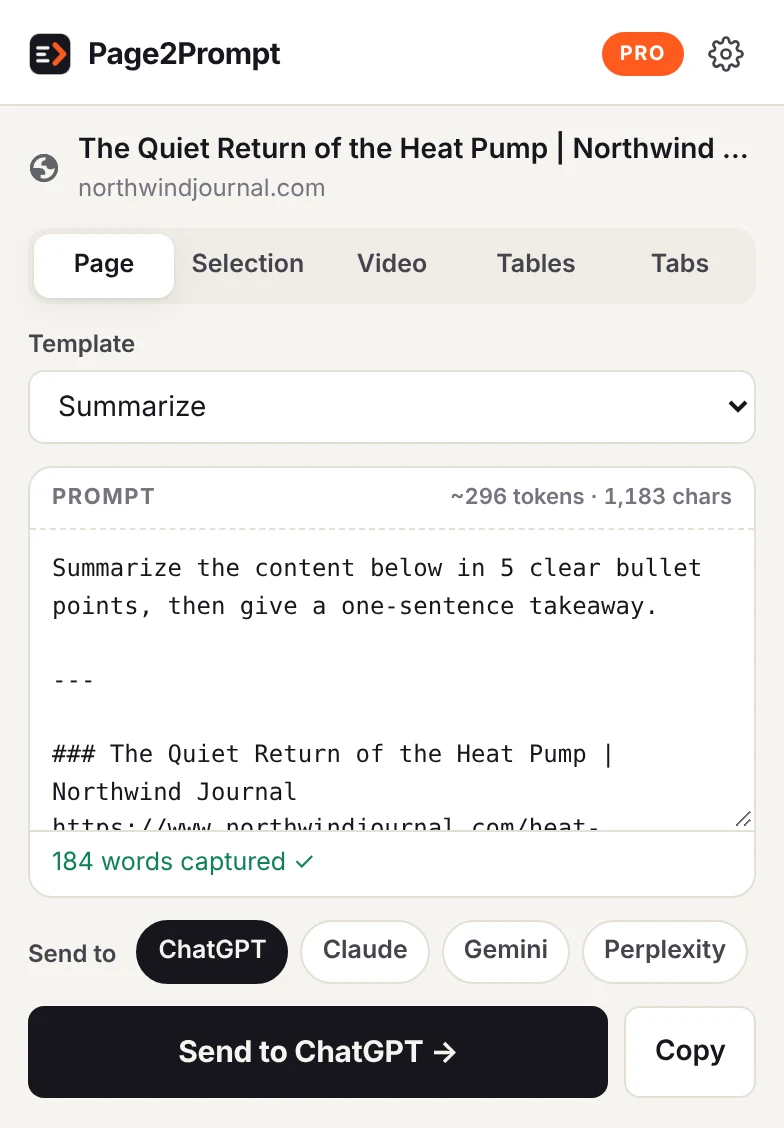
What you get
You get: Your last 50 prompts, ready to copy or resend. Stored only on your computer.
Settings → History shows, for each prompt:
- the page title and link
- the template (for example "SEO article (full draft)")
- the AI it was sent to and when
with Copy and Send again buttons.
Example for illustration. Your AI's answer depends on the page and the AI you use.
How to do it without the extension
- Search your ChatGPT history for a word from the prompt.
- That only works if the chat still exists, and it doesn't help if you used a different AI.
It works, but it takes several copy-and-paste steps every time. Page2Prompt does the capture, the clean-up and the pasting in one click.
Why use Page2Prompt for this
- Your last 50 prompts are kept in your browser, so a good prompt is never lost when you close a chat.
- The prompt is written and tested for this exact job, so you get a consistent result every time instead of retyping instructions.
- It works with ChatGPT, Claude, Gemini and Perplexity, using the free or paid account you already have.
- Your content goes straight from your browser to the AI you pick and never through WindCodex servers.
Tips
- History is stored only in your browser, never on our servers.
- Clear one entry or the whole history any time in Settings.
- Resend the same prompt to Claude after ChatGPT to compare answers.
Questions
Where is my history stored?
Locally in your browser. It isn't synced or uploaded.
Is history free?
History is part of Pro.
Does it work with Claude and Gemini?
Yes. Page2Prompt sends to ChatGPT, Claude, Gemini and Perplexity. Pick the AI in the popup; the prompt is the same.
Does my content go through WindCodex?
No. Page2Prompt reads the page in your browser and sends it straight to the AI site you choose. It never passes through our servers.
For Busy professionals
Busy professionals use it to handle emails, documents and decisions in a fraction of the time.
Related use cases
Try it on the page you're reading.
Free to install, no account needed. This one is part of Pro.