Make every template sound like you
Built-in templates are a good start, but your best prompts are the ones you've refined over months. With Pro, you can edit any built-in template, reset it any time, or create your own, with fields such as {{Audience}} or {{Tone: Friendly | Formal}} that the popup asks you to fill in.
The situation
Your agency writes for executives, in British English.
How to do it with Page2Prompt
- Open Settings → Templates and click Edit on any template
- Or click New template for your own
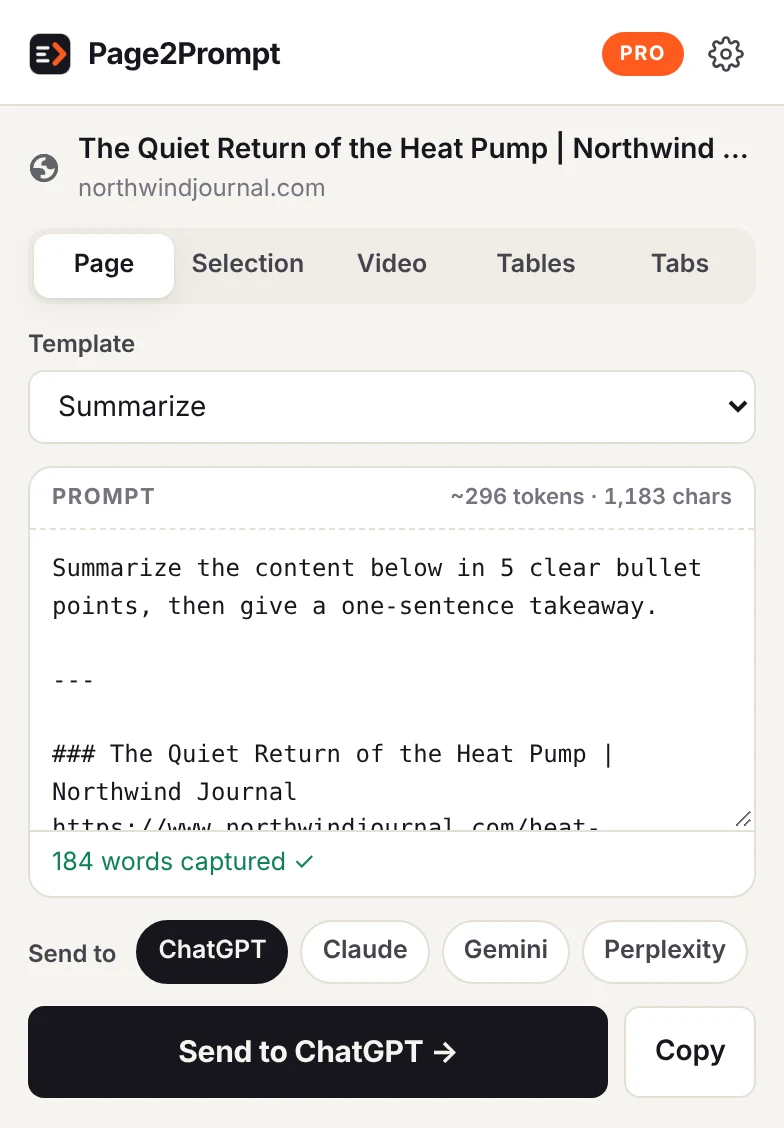
What you get
You get: Every send matches your style, for example "Summarize for a busy CEO in 3 bullets". Reset brings back the original any time.
A custom template with fields:
"Write a LinkedIn post for {{Audience}} in a {{Style: bold | calm}} style. Use short paragraphs, one emoji at most, and end with a question.
{{content}}"
In the popup, Audience becomes a text box and Style a dropdown. Type "startup founders", pick "bold", and the prompt is ready.
Example for illustration. Your AI's answer depends on the page and the AI you use.
How to do it without the extension
- Keep your favourite prompts in a notes app and copy them into every chat.
- Or use ChatGPT's custom instructions, which apply to every chat, not just one kind of task.
It works, but it takes several copy-and-paste steps every time. Page2Prompt does the capture, the clean-up and the pasting in one click.
Why use Page2Prompt for this
- Your best prompts become one-click templates, with fill-in fields so one template works for every client or audience.
- The prompt is written and tested for this exact job, so you get a consistent result every time instead of retyping instructions.
- It works with ChatGPT, Claude, Gemini and Perplexity, using the free or paid account you already have.
- Your content goes straight from your browser to the AI you pick and never through WindCodex servers.
Tips
- Add your brand voice, audience and formatting rules once.
- Fields appear as a text box or a dropdown and remember your last value.
- Your own templates also appear in the right-click menu.
Questions
Can I undo changes to a built-in template?
Yes. Reset to default brings the original back.
How many custom templates can I create?
As many as you like, with Pro.
Does it work with Claude and Gemini?
Yes. Page2Prompt sends to ChatGPT, Claude, Gemini and Perplexity. Pick the AI in the popup; the prompt is the same.
Does my content go through WindCodex?
No. Page2Prompt reads the page in your browser and sends it straight to the AI site you choose. It never passes through our servers.
For Busy professionals · Writers & SEO · Marketers & sellers
Busy professionals use it to handle emails, documents and decisions in a fraction of the time. Writers and SEO teams use it to go from research to a first draft without the copy-and-paste routine. Marketers and store owners use it to turn real product and page details into copy for every channel.
Related use cases
Try it on the page you're reading.
Free to install, no account needed. This one is part of Pro.