Reply to one message in a long thread
In a 40-message thread, only one message actually needs an answer. Pasting the whole thread into an AI confuses it and leaks more than you want to share. With Selection mode you highlight just that message, and Page2Prompt sends it with instructions for a clear, friendly reply.
The situation
A 40-message email thread, and only the client's last message needs an answer.
How to do it with Page2Prompt
- Highlight that message
- Pick Draft a reply (Pro) or Just the content, then send
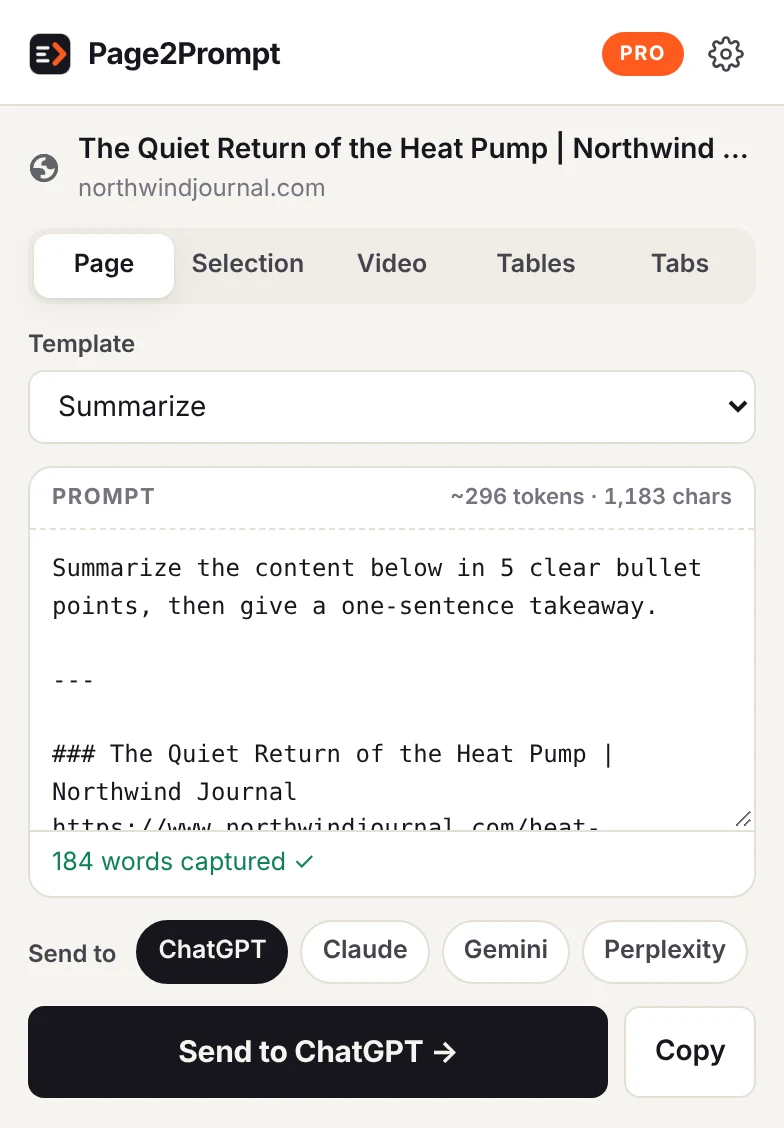
What you get
You get: The AI answers exactly that message, not the whole thread, and lists any questions you should answer first.
Hi Priya,
Thanks for the update on the delivery date. Moving the launch to the 18th works for us, as long as the final files arrive by the 14th so we have time to test.
Could you confirm two things?
- Will the 14th include the mobile version?
- Who should we contact if something breaks on launch day?
Thanks,
Amit
Questions to answer first: whether the 14th deadline is realistic for your team.
Example for illustration. Your AI's answer depends on the page and the AI you use.
The prompt Page2Prompt sends
This is the exact template text. Page2Prompt adds the page title, link and clean content where it says so. Pro users can edit it to match their style.
Draft a reply (Pro)
Draft a reply to the message or thread below. Keep it friendly, clear and concise. If anything important is unclear, list the questions I should answer first.

---

[the page content Page2Prompt captured goes here]
How to do it without the extension
- Highlight only the message you want to reply to, not the whole thread.
- Copy it and paste it into ChatGPT or Claude.
- Add the instruction above above the message.
- Remove names, phone numbers or anything private you don't want to share.
It works, but it takes several copy-and-paste steps every time. Use the prompt above. Page2Prompt does the capture, the clean-up and the pasting in one click.
Why use Page2Prompt for this
- Only the text you highlight is sent, so the AI works on exactly that paragraph and nothing private from the rest of the page leaks into the chat.
- The prompt is written and tested for this exact job, so you get a consistent result every time instead of retyping instructions.
- It works with ChatGPT, Claude, Gemini and Perplexity, using the free or paid account you already have.
- Your content goes straight from your browser to the AI you pick and never through WindCodex servers.
Tips
- Works in Gmail, Outlook web, Slack, LinkedIn and forums: anywhere you can highlight text.
- Draft a reply is a Pro template; on the free plan, use Just the content and add your own instruction.
- The AI lists questions you should answer first if something in the message is unclear.
Questions
Does Page2Prompt read my whole inbox?
No. It only reads the page when you click it, and in Selection mode it captures only the text you highlighted.
Can I edit the prompt before it's sent?
Yes. The prompt appears in the popup and you can change anything before you click Send.
Does it work with Claude and Gemini?
Yes. Page2Prompt sends to ChatGPT, Claude, Gemini and Perplexity. Pick the AI in the popup; the prompt is the same.
Does my content go through WindCodex?
No. Page2Prompt reads the page in your browser and sends it straight to the AI site you choose. It never passes through our servers.
For Busy professionals
Busy professionals use it to handle emails, documents and decisions in a fraction of the time.
Related use cases
Try it on the page you're reading.
Free to install, no account needed. This one is free.