Analyse a comparison table
Copying a table from a web page usually breaks it into one long column of numbers. Page2Prompt's Tables mode captures every data table on the page as clean Markdown, so your AI sees the real rows and columns and can compare, rank or chart them.
The situation
A page compares 10 hosting plans in a big table.
How to do it with Page2Prompt
- Click Tables
- Add your question, for example "Which is cheapest for 3 sites?"
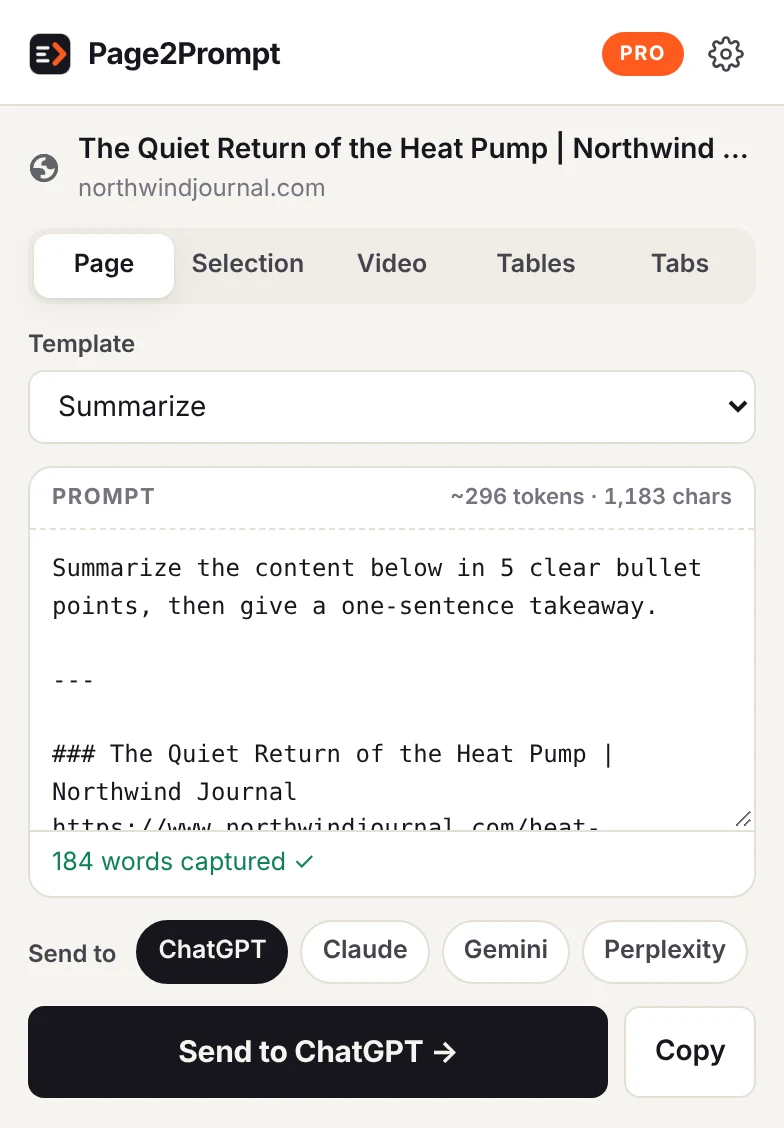
What you get
You get: Every table arrives as clean Markdown, so the AI can compare, calculate or chart it correctly.
| Hosting plan | Price / month | Sites | Storage |
|---|---|---|---|
| Basic | $3 | 1 | 10 GB |
| Plus | $7 | 10 | 50 GB |
| Pro | $15 | Unlimited | 200 GB |
Key facts: Plus is the cheapest per site once you run 3 or more sites ($0.70 each).
Decision: for 4 small business sites, Plus costs $5 a month less than 4 Basic plans and gives 5x the storage.
Example for illustration. Your AI's answer depends on the page and the AI you use.
The prompt Page2Prompt sends
This is the exact template text. Page2Prompt adds the page title, link and clean content where it says so. Pro users can edit it to match their style.
Key facts & actions (Pro)
From the content below, extract:
1. Key facts and numbers
2. Decisions or claims made
3. Action items or next steps
4. Open questions

Use short bullet points.

---

[the page content Page2Prompt captured goes here]
How to do it without the extension
- Select the table and copy it. Many sites paste as one long column, so check the result.
- If it breaks, paste into Google Sheets first, then copy from there.
- Paste it into ChatGPT and ask your question.
It works, but it takes several copy-and-paste steps every time. Use the prompt above. Page2Prompt does the capture, the clean-up and the pasting in one click.
Why use Page2Prompt for this
- Tables arrive as clean Markdown with their real rows and columns, not one long column of numbers.
- The prompt is written and tested for this exact job, so you get a consistent result every time instead of retyping instructions.
- It works with ChatGPT, Claude, Gemini and Perplexity, using the free or paid account you already have.
- Your content goes straight from your browser to the AI you pick and never through WindCodex servers.
Tips
- Great for pricing tables, spec sheets, sports stats and financial data.
- Ask follow-up questions in the chat: "Which plan is cheapest for 5 users?"
- On pages with tables, the popup suggests Tables mode automatically.
Questions
Is Tables mode free?
Tables mode is part of Pro. Page mode on the free plan also keeps tables inside the article.
Can the AI make a chart?
ChatGPT and Claude can create charts from the Markdown table if your plan supports it.
Does it work with Claude and Gemini?
Yes. Page2Prompt sends to ChatGPT, Claude, Gemini and Perplexity. Pick the AI in the popup; the prompt is the same.
Does my content go through WindCodex?
No. Page2Prompt reads the page in your browser and sends it straight to the AI site you choose. It never passes through our servers.
For Busy professionals · Students & researchers · Marketers & sellers
Busy professionals use it to handle emails, documents and decisions in a fraction of the time. Students and researchers use it to understand long or difficult material faster, in their own language. Marketers and store owners use it to turn real product and page details into copy for every channel.
Related use cases
Try it on the page you're reading.
Free to install, no account needed. This one is part of Pro.