An SEO article that can outrank the page
To outrank a page, you need to cover what it covers and what it misses. Page2Prompt sends the current top result with an SEO prompt, either a full content brief (keywords, intent, outline, gaps) or a complete draft built to be more useful than the original.
The situation
You want to rank for the same topic as a competitor's article.
How to do it with Page2Prompt
- Open the top-ranking article
- Pick SEO article (full draft) or SEO content brief
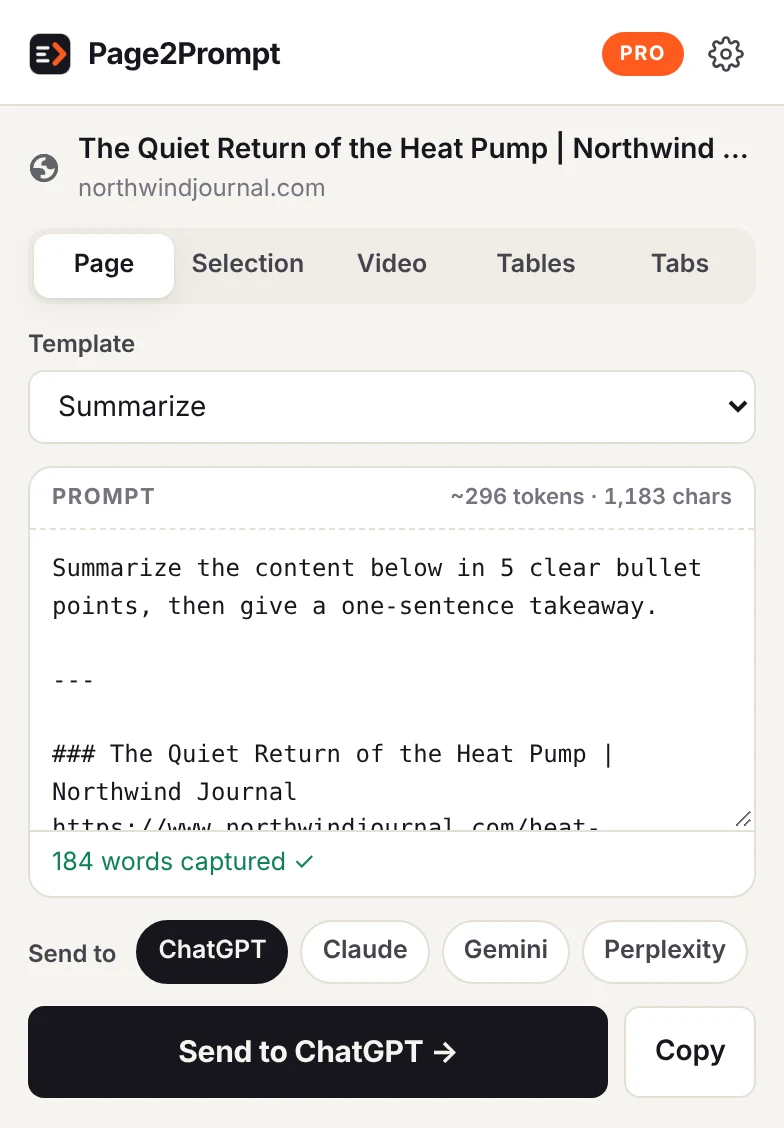
What you get
You get: Keywords, an SEO title, a meta description, a URL slug, the full article and an FAQ, covering what the source misses.
Primary keyword: heat pump vs gas boiler
Search intent: comparison before buying
Secondary keywords: heat pump running costs, heat pump in cold weather, heat pump grants
Outline
- H2: Running costs compared (with a 12-month example)
- H2: Do heat pumps work below freezing?
- H2: Installation cost and grants by region
- H2: Which is better for your home? (decision table)
Gaps the current page misses: no real bill, no cold-climate data, no decision table.
Example for illustration. Your AI's answer depends on the page and the AI you use.
The prompt Page2Prompt sends
This is the exact template text. Page2Prompt adds the page title, link and clean content where it says so. Pro users can edit it to match their style.
SEO content brief (Pro)
Act as a senior SEO strategist. Using the page below as the current top result, write a content brief for a better article: primary keyword, secondary keywords, search intent, a full H2/H3 outline, questions it must answer, and gaps this page misses.

---

[the page content Page2Prompt captured goes here]
SEO article (full draft) (Pro)
Act as an expert SEO writer. Using the page below as research, write a complete article that can outrank it.
1. Suggest the primary keyword and 5 secondary keywords.
2. Give an SEO title (under 60 characters), a meta description (under 155 characters) and a URL slug.
3. Write the article: an engaging intro, H2/H3 sections, short paragraphs, bullet lists where useful, and a conclusion.
4. Add a 4-question FAQ section at the end.
Use the keywords naturally, cover what the source misses, and write everything in original words.

---

[the page content Page2Prompt captured goes here]
How to do it without the extension
- Copy the top-ranking article for your keyword.
- Paste it into ChatGPT with the brief prompt above.
- Write the article from the brief, adding data and experience the original lacks.
It works, but it takes several copy-and-paste steps every time. Use the prompt above. Page2Prompt does the capture, the clean-up and the pasting in one click.
Why use Page2Prompt for this
- It captures only the main content: no menus, ads, cookie banners or comments, so the AI focuses on what matters and you use fewer tokens.
- The prompt is written and tested for this exact job, so you get a consistent result every time instead of retyping instructions.
- It works with ChatGPT, Claude, Gemini and Perplexity, using the free or paid account you already have.
- Your content goes straight from your browser to the AI you pick and never through WindCodex servers.
Tips
- Start with the brief, then send the brief and the page back for the full draft.
- Add first-hand examples, data or screenshots; AI can't invent experience.
- Check search intent: the brief tells you whether people want a guide, a list or a comparison.
Questions
Will AI content rank on Google?
Google ranks helpful content, however it was written. Use the draft as a start and add real expertise.
Is it Pro?
Yes. The SEO brief and SEO article templates are part of Pro.
Does it work with Claude and Gemini?
Yes. Page2Prompt sends to ChatGPT, Claude, Gemini and Perplexity. Pick the AI in the popup; the prompt is the same.
Does my content go through WindCodex?
No. Page2Prompt reads the page in your browser and sends it straight to the AI site you choose. It never passes through our servers.
For Writers & SEO
Writers and SEO teams use it to go from research to a first draft without the copy-and-paste routine.
Related use cases
Try it on the page you're reading.
Free to install, no account needed. This one is part of Pro.