One article becomes a week of social posts
One good article can feed your social channels for a week, if you have time to rewrite it for each platform. Page2Prompt's Social posts pack does that in one prompt: a LinkedIn post, X posts, a Facebook post and an Instagram caption, each in its platform's style.
The situation
You published a blog post and need to promote it everywhere.
How to do it with Page2Prompt
- Open your post
- Pick Social posts pack
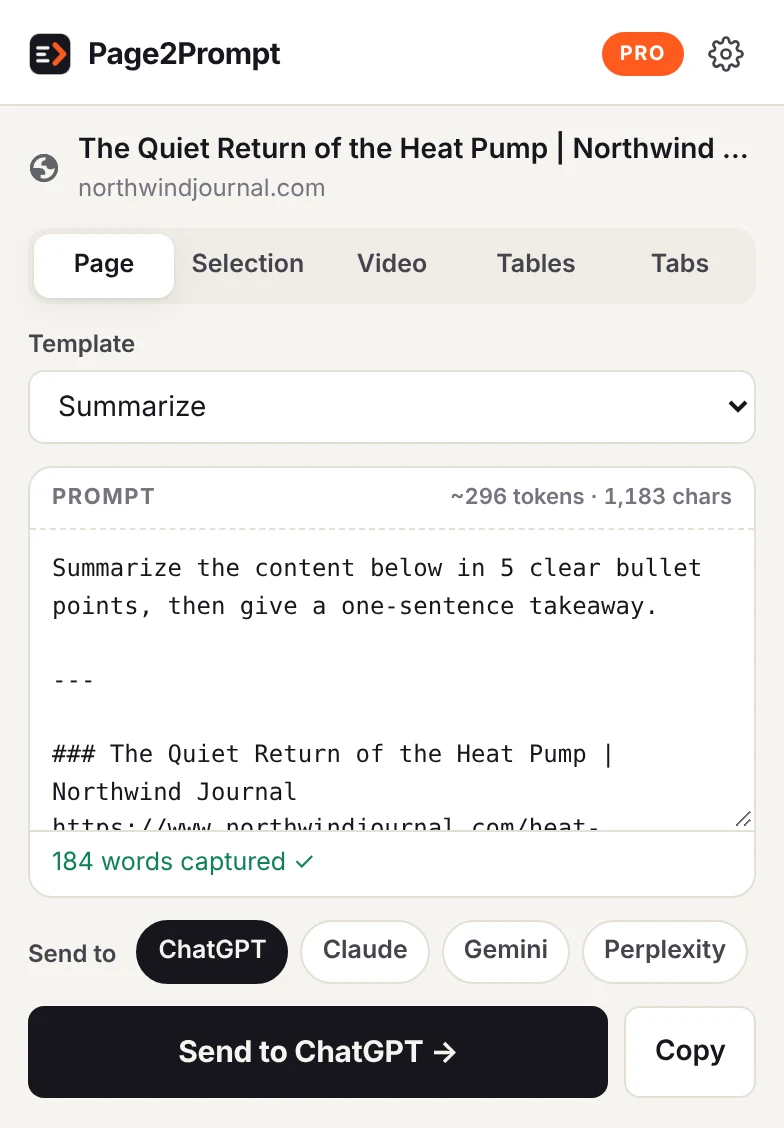
What you get
You get: A LinkedIn post, a 6-part X thread, a Facebook post and an Instagram caption with hashtags, all accurate to the article.
LinkedIn: Five years ago, heat pumps were a niche product. Today they outsell gas boilers in several markets. The reason isn't the climate, it's the bill. (+ 3 short paragraphs and a question)
X: Heat pumps now outsell gas boilers in several countries. Not because of the climate. Because of the bill. 🧵
Facebook: Thinking about replacing your boiler? Here's what changed with heat pumps this year…
Instagram caption: 3 units of heat for every 1 unit of electricity. That's the maths behind the heat pump boom. #homeenergy
Example for illustration. Your AI's answer depends on the page and the AI you use.
The prompt Page2Prompt sends
This is the exact template text. Page2Prompt adds the page title, link and clean content where it says so. Pro users can edit it to match their style.
Social posts pack (Pro)
Turn the content below into a ready-to-post social pack:
1. LinkedIn post: a strong one-line hook, 3 short paragraphs, and a question to drive comments.
2. X (Twitter) thread: 6 posts, each under 270 characters, numbered.
3. Facebook post: friendly and conversational, 2 to 3 short paragraphs.
4. Instagram caption: punchy, with a call to action and 8 relevant hashtags.
Keep every fact accurate to the source.

---

[the page content Page2Prompt captured goes here]
How to do it without the extension
- Copy the article.
- Paste it into ChatGPT and ask for one post per platform, in each platform's style.
- Schedule them across the week with Buffer, Hootsuite or the platforms' own tools.
It works, but it takes several copy-and-paste steps every time. Use the prompt above. Page2Prompt does the capture, the clean-up and the pasting in one click.
Why use Page2Prompt for this
- It captures only the main content: no menus, ads, cookie banners or comments, so the AI focuses on what matters and you use fewer tokens.
- The prompt is written and tested for this exact job, so you get a consistent result every time instead of retyping instructions.
- It works with ChatGPT, Claude, Gemini and Perplexity, using the free or paid account you already have.
- Your content goes straight from your browser to the AI you pick and never through WindCodex servers.
Tips
- Use your own blog posts to repurpose content you already wrote.
- Set Reply in for posts in Hindi or another language.
- Add a featured image or banner with the image templates.
Questions
Which platforms are included?
LinkedIn, X, Facebook and Instagram.
Is it Pro?
Yes, the Social posts pack is part of the Pro content templates.
Does it work with Claude and Gemini?
Yes. Page2Prompt sends to ChatGPT, Claude, Gemini and Perplexity. Pick the AI in the popup; the prompt is the same.
Does my content go through WindCodex?
No. Page2Prompt reads the page in your browser and sends it straight to the AI site you choose. It never passes through our servers.
For Writers & SEO · Creators · Marketers & sellers
Writers and SEO teams use it to go from research to a first draft without the copy-and-paste routine. Creators use it to turn videos and articles into scripts, posts and visuals. Marketers and store owners use it to turn real product and page details into copy for every channel.
Related use cases
Try it on the page you're reading.
Free to install, no account needed. This one is part of Pro.